
About This Template
Spectrum is a broadband and cable-focused U.S. telecommunications provider offering Internet, TV, Mobile and Home Phone services. Customers can also combine several services within one account or package.
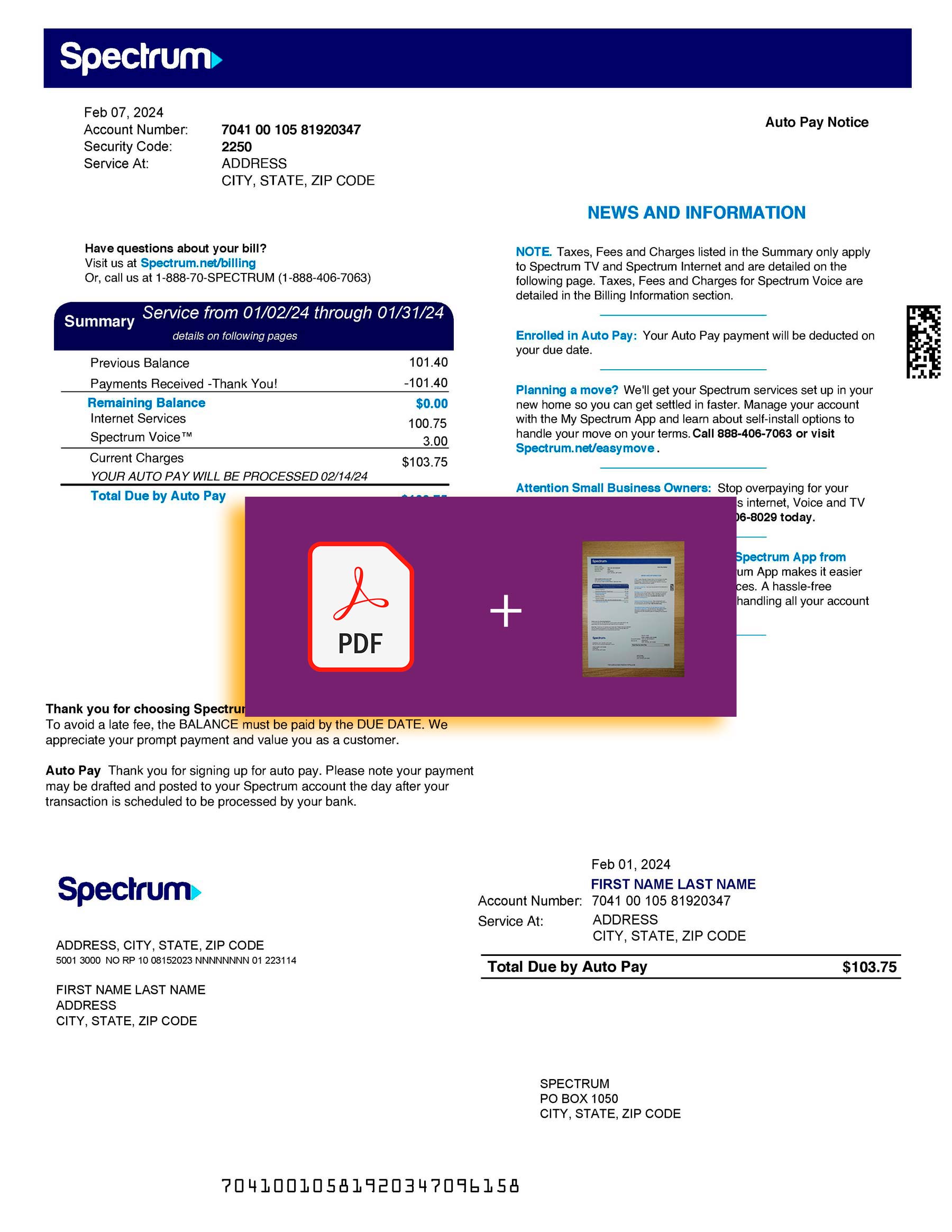
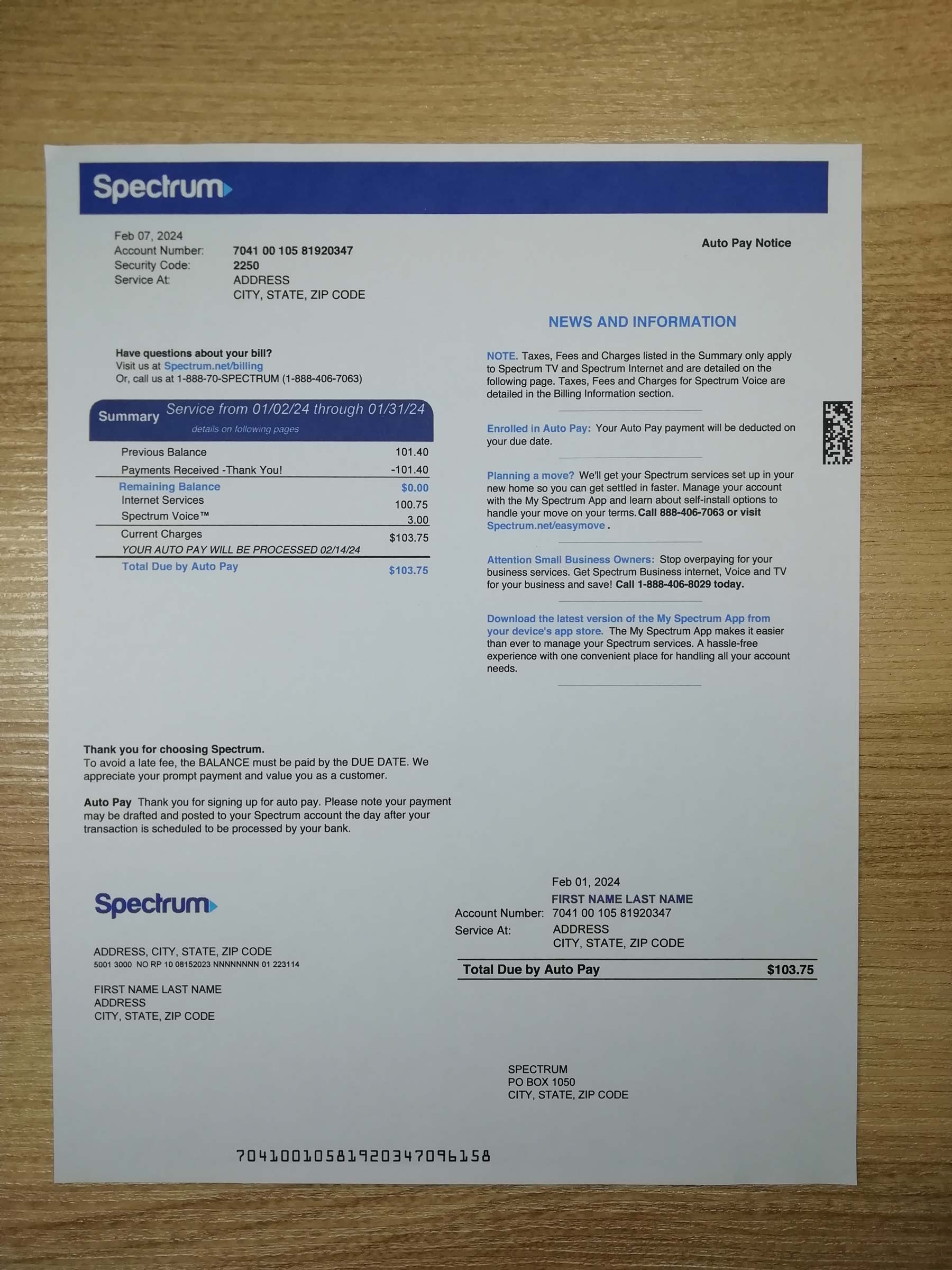
This editable template reproduces the general information hierarchy commonly needed when designing a multi-service telecom billing interface. Its layout can accommodate account details, a fixed broadband service address, billing-cycle information, recurring Internet or TV charges, optional mobile lines, equipment-related items, taxes, fees and a payment summary.
The file is supplied as a blank design resource. It does not contain valid customer information, active account numbers, genuine payment records or data retrieved from Spectrum systems.
What This Template Is For
Billing-screen mockups
Use the layout to prototype a billing dashboard for a telecom, fintech or household-services application. Designers can test how balances, service packages and payment information appear on desktop and mobile screens.
Billing-page QA testing
Insert clearly fictional test data to evaluate field lengths, responsive layouts, PDF previews, document-upload interfaces and billing-history pages in a controlled development environment.
Telecom UI portfolio projects
Present a broadband, cable or subscription-management case study in a product-design portfolio without exposing information belonging to an actual subscriber.
Educational demonstrations
Explain how recurring telecom charges, billing cycles, package fees, equipment items and mobile line summaries are organized within a multi-service statement.
How Telecom Bills Differ From Utility Bills
Traditional utility bills are often based on measured consumption. Electricity statements may show kilowatt-hours, gas bills may include therms, and water bills may display meter readings and consumption units.
Telecom billing is primarily subscription-based. The central charges normally relate to an Internet tier, television package, mobile plan, home-phone service or bundled subscription rather than a physical utility meter.
A broadband or cable statement may include:
- Monthly Internet, TV or Voice package charges
- Wi-Fi, receiver or other equipment-related items
- Promotional discounts and package adjustments
- Optional premium channels or add-on services
- Installation, activation or one-time service items
- Taxes, franchise charges and telecom-related fees
A mobile section may additionally contain individual phone lines, plan charges, device payments and data-use summaries. Usage can still affect certain telecom charges, but recurring subscriptions usually remain the main part of the bill.
If You Need a Real Spectrum Bill
Do not use a downloadable design template when you need an official account statement.
Sign in to the official Spectrum account portal or open the My Spectrum App. Spectrum customers can access the Billing section, review available statements and open a printable PDF associated with their account.
Spectrum Mobile customers can also view their monthly mobile statements through their online account or the My Spectrum App.
Why You Shouldn’t Buy a Completed Bill Online
A completed billing statement offered by an unrelated third party does not originate from Spectrum or from your customer account.
Submitting invented, altered or another person’s billing information to misrepresent your residence, identity, account ownership or service history can constitute fraud. It may result in rejected applications, closed accounts, financial loss or legal consequences.
The only legitimate way to obtain a Spectrum statement is through your own Spectrum account, the official application or authorized Spectrum customer support.
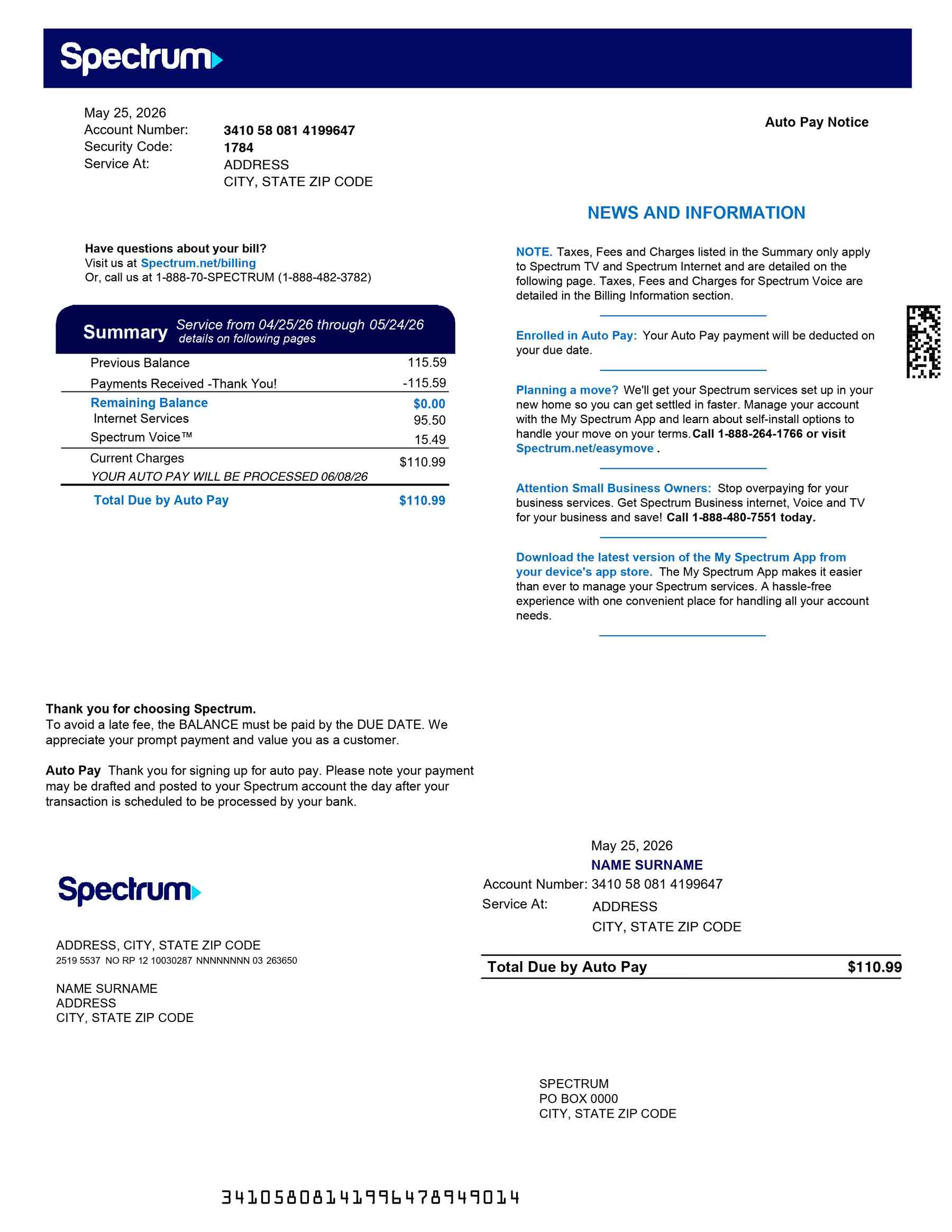
Spectrum Bill Structure
Because Spectrum is a broadband and cable-led provider that also offers mobile and bundled services, its billing structure differs from that of a mobile-only carrier.
- Account and service information
Customer name, account reference, billing address and the fixed service address connected to Internet, TV or Home Phone services. - Statement and billing cycle
Statement date, service period, payment due date, previous balance, payments received and current amount due. - Internet, TV and Voice charges
Recurring charges for broadband tiers, television packages, streaming options, premium services or home-phone subscriptions. - Mobile lines and plan details
Optional Spectrum Mobile sections may show individual lines, phone numbers, monthly plan charges and data-related summaries. - Devices, equipment and additional services
Device installment amounts, equipment charges, receivers, Wi-Fi services, activation items or other account add-ons where applicable. - Taxes, fees, discounts and total due
Promotional credits, adjustments, applicable taxes, franchise or regulatory charges and the final payment total.
Download the Template
Download the blank Spectrum billing design template for UI concepts, application prototypes, QA environments and classroom demonstrations.
Included formats:
- Editable Word file
- Print-ready PDF file
- Blank billing layout
- Replaceable demonstration text
- Multi-service telecom structure
- Suitable for desktop and mobile UI presentations
Download disclaimer: This file is an independent visual-design resource. It is not an official Spectrum statement and cannot be used for billing, identity, residential-address, customer-account or service verification.
[Download the Blank Spectrum Bill Template PDF]
[Download the Blank Spectrum Bill Template PDF]
Frequently Asked Questions
Can I use this as a real Spectrum bill?
No. The download is a blank visual template for design, testing and education. It was not generated by Spectrum, is not connected to an active customer account and has no validity as an account statement.
Why can’t I fill it in and use it?
Adding personal information and presenting the template as though Spectrum issued it would misrepresent the source of the document. Using invented billing details for an application, verification process or financial purpose may constitute fraud.
Use fictional placeholder data only inside mockups, development environments, portfolio projects and educational examples.
How do I get a real Spectrum bill?
Log in to the official Spectrum account portal or use the My Spectrum App. Open the Billing area and select the statement associated with your actual account. Available statements can be reviewed or opened in printable form.
Can I use a phone bill as proof of address?
A mobile-only phone statement is usually not accepted because mobile service is not necessarily connected to a permanent residential location.
A broadband or cable statement showing a fixed service address may be accepted by some organizations, but acceptance is not guaranteed. Every institution establishes its own document rules, so check its requirements before submitting a genuine statement.
Does this template include customer information?
No. It is distributed as a blank layout. Any example content added for a UI demonstration should be clearly fictional and should not belong to an actual person or active Spectrum account.
Is the template affiliated with Spectrum?
No. This is an independently created design resource for interface prototyping, software testing and educational use. Spectrum names and service references remain the property of their respective owners.
Reviews
There are no reviews yet.