
Free Editable Utility Bill Template PDF: Download, Customize and Use It Right
20 New 2026 templates in PDF and Word
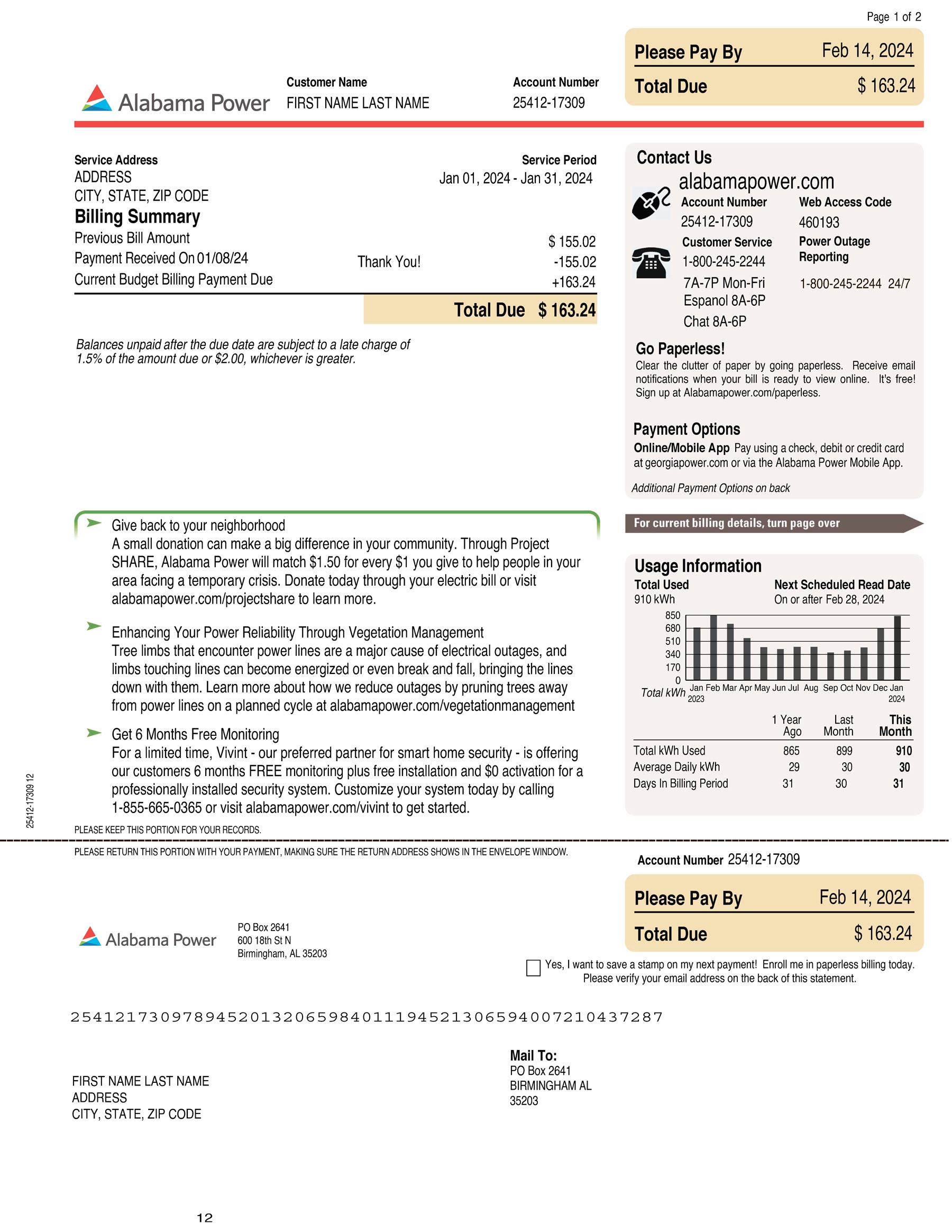
Alabama Power
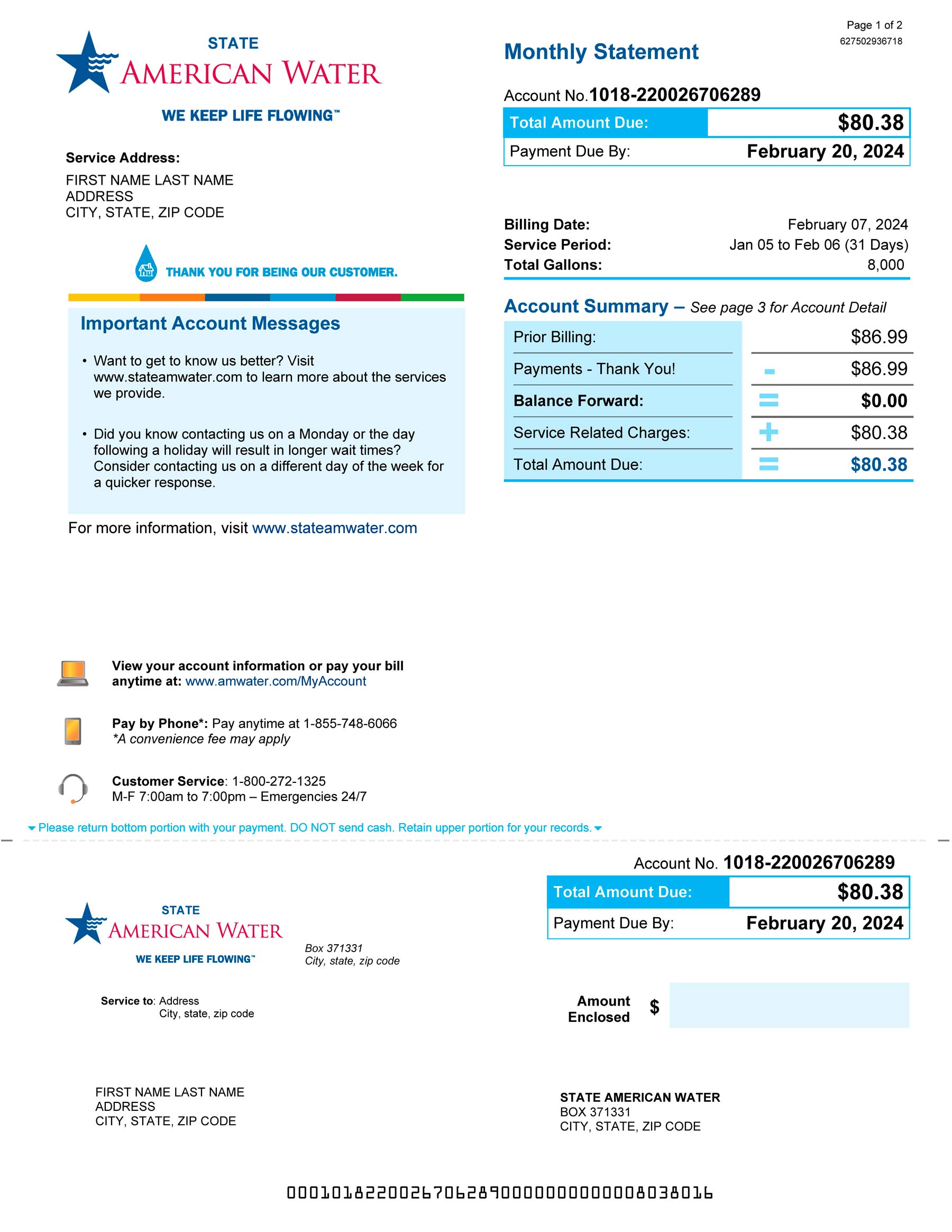
American Water
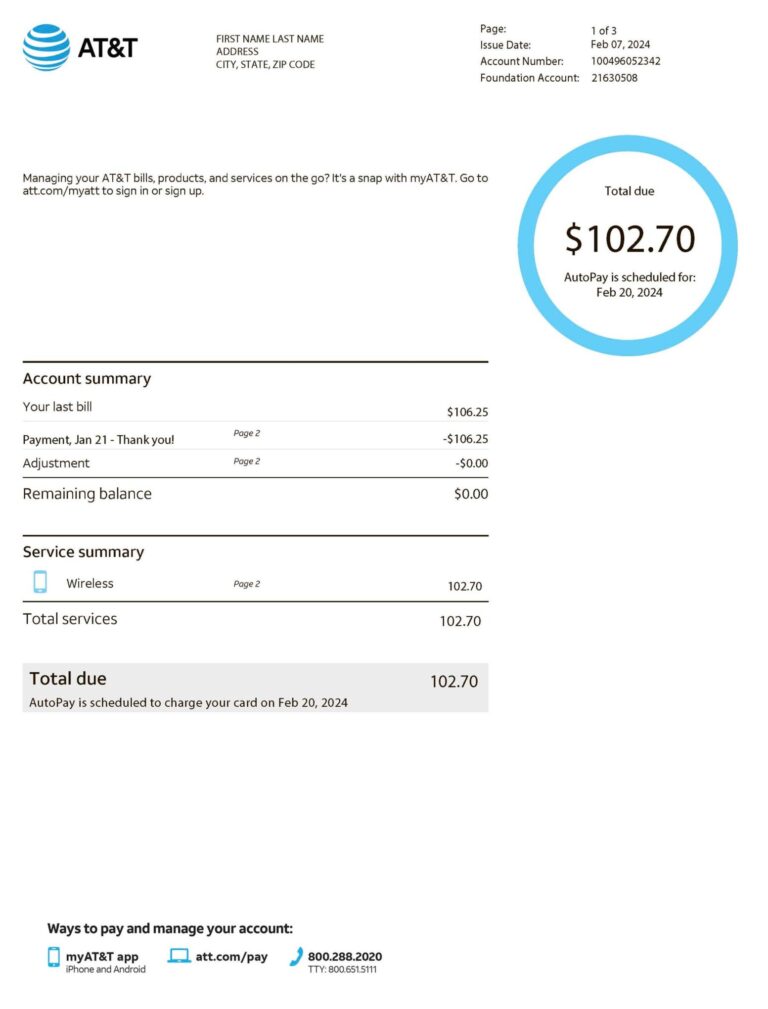
AT&T
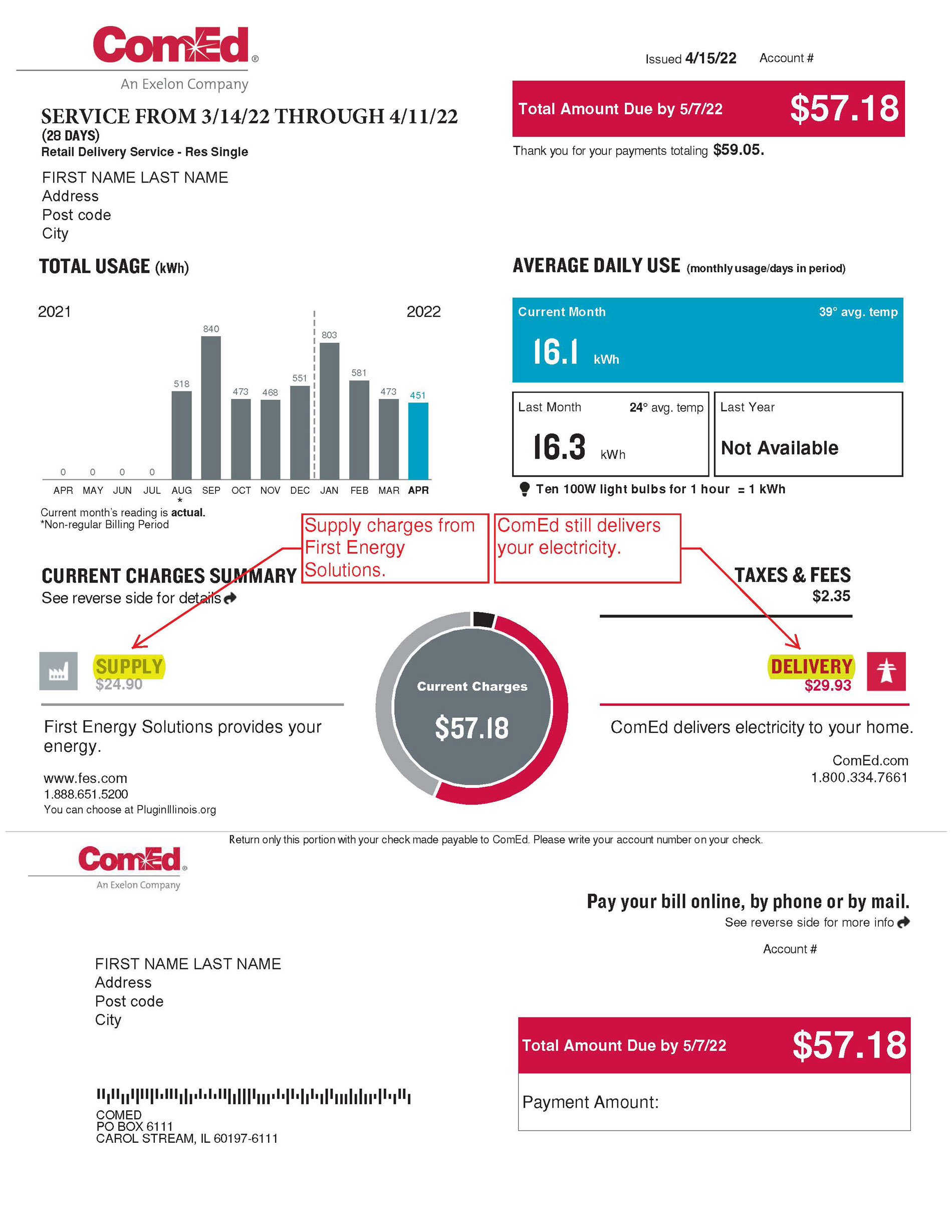
COMED
What Is a Utility Bill Template and Why Is It Needed?
A utility bill template is a pre-formatted document that replicates the structure of bills issued by electricity, gas, water, and telephone providers. Financial institutions and government agencies require proof of address documents issued within the last 3 months, showing the account holder’s full name, residential address, and provider name. Mobile phone bills and documents older than 3 months don’t qualify.
Common Uses for a Utility Bill Template
- Bank account opening and address verification
- Visa and immigration applications
- Landlord and tenant billing records
- Business expense tracking and tax filing
Who Benefits Most?
- Renters organizing proof of address submissions
- Landlords creating standardized tenant billing across properties
- Small business owners maintaining utility expense records for accountants
Key Benefits of Using a Utility Bill Template
- Time efficiency: editing an existing template takes minutes
- Error reduction: pre-labeled fields prevent missing required data like account numbers or billing dates
- Professional presentation: consistent fonts and aligned tables produce polished output
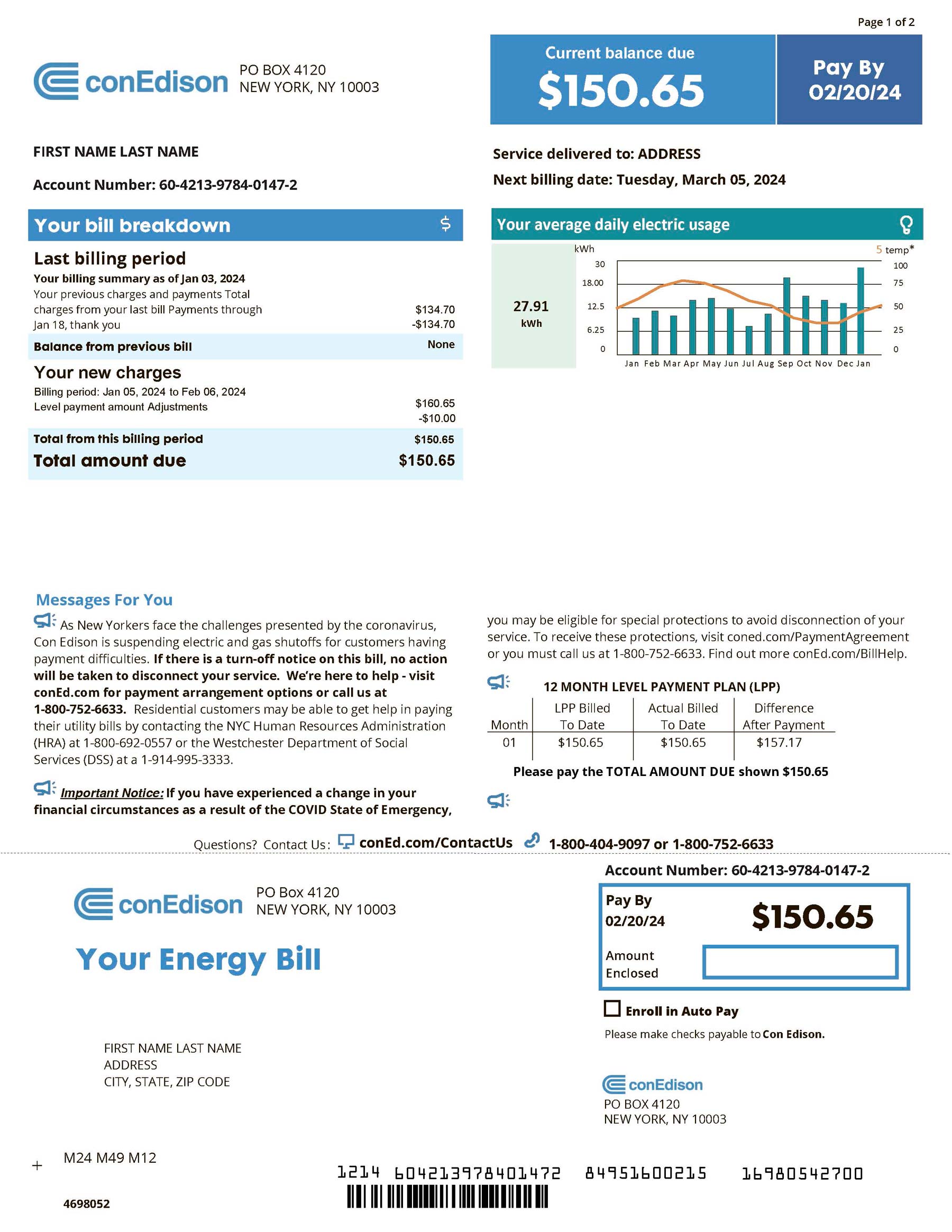
ConEdison
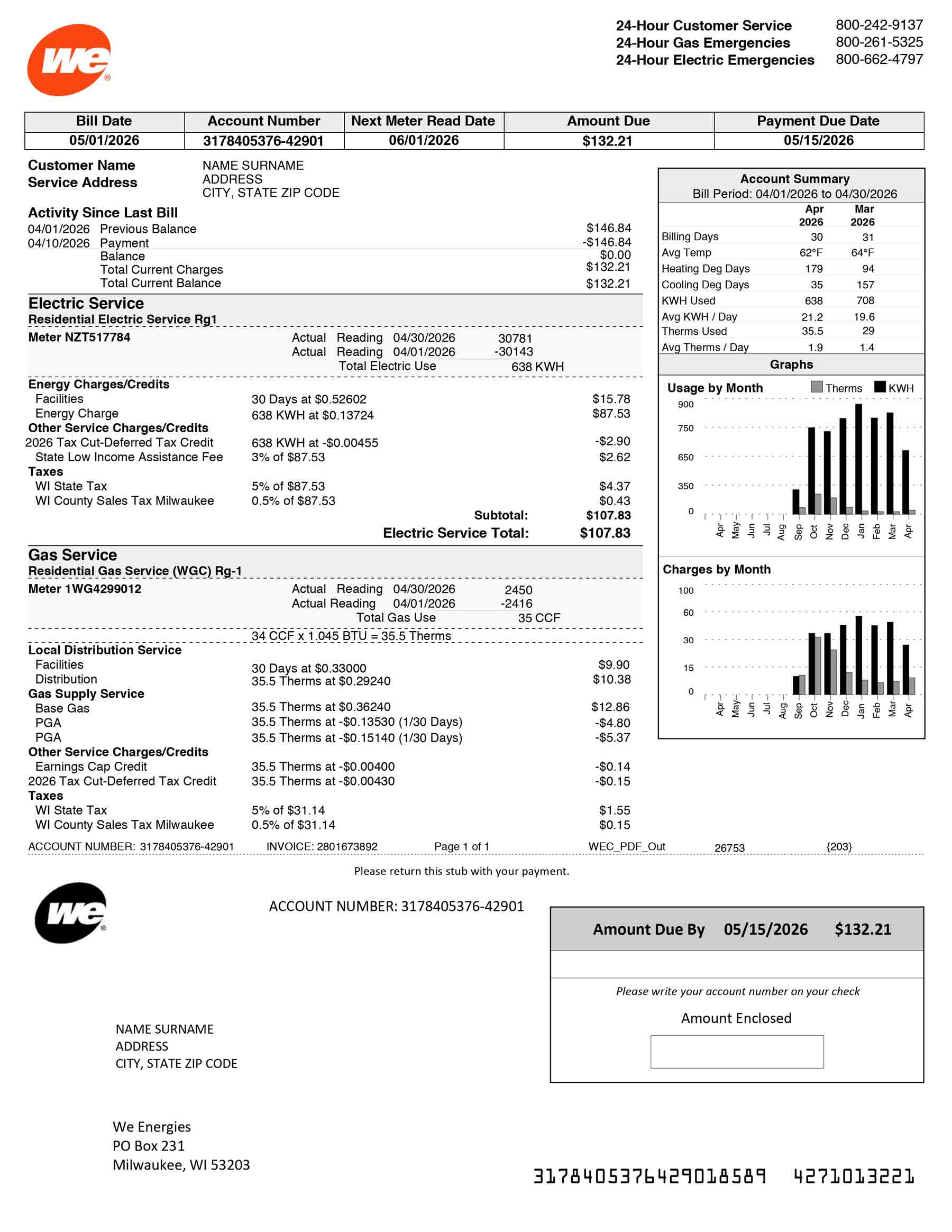
We Energies
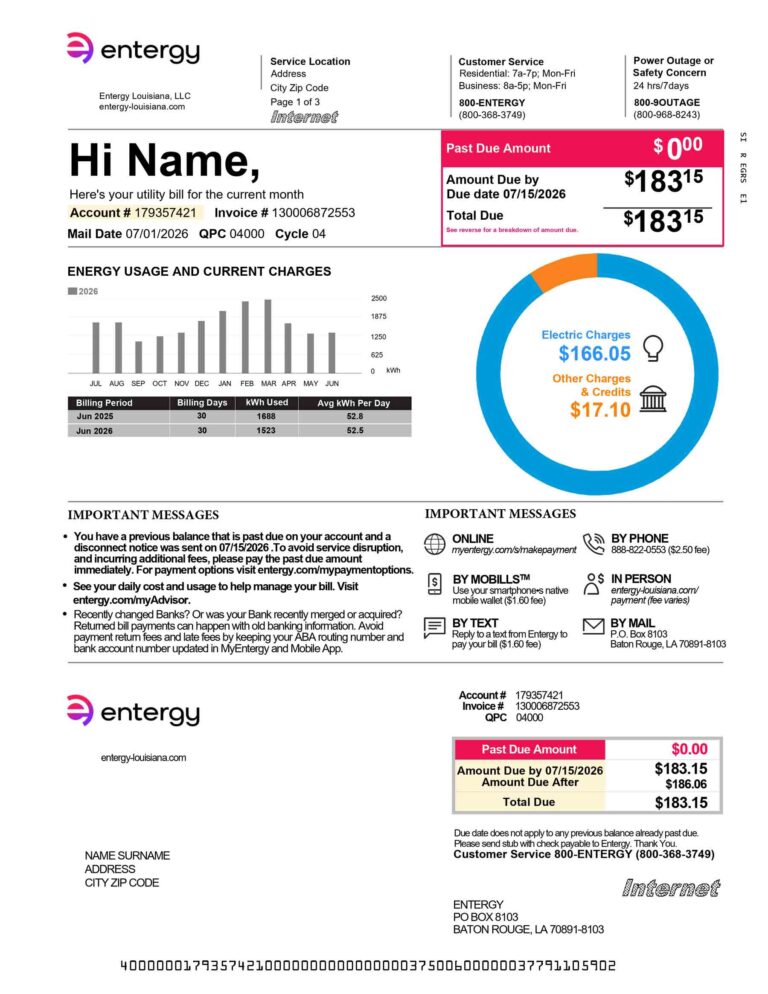
Entergy
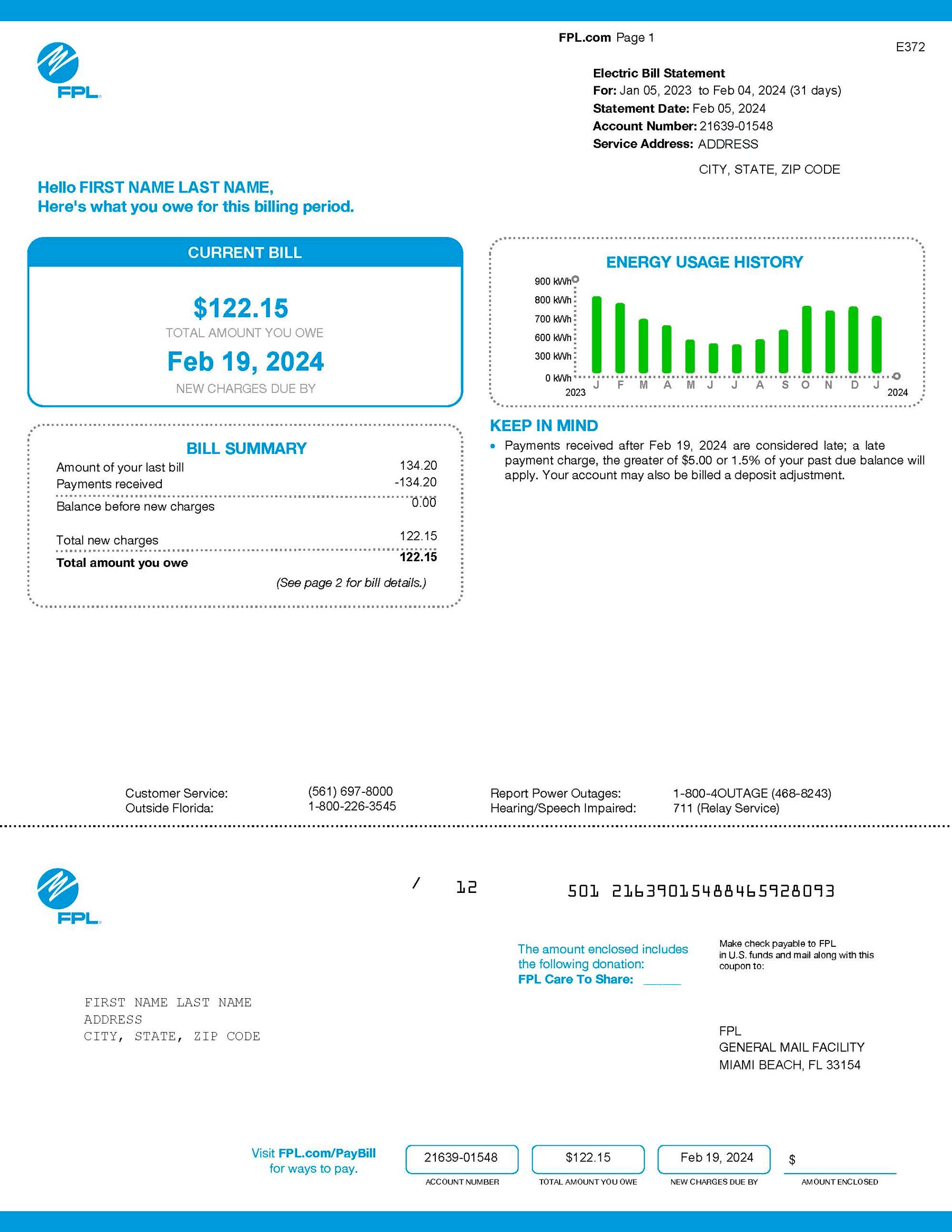
FPL
Key Fields Every Utility Bill Template Must Include
A complete utility bill template is only as useful as the fields it contains. Electricity templates require kilowatt-hour (kWh) readings, gas templates use therms, and water templates measure in gallons. Each type has its own conventions, and a generic template that skips these distinctions will produce inaccurate records.
Provider and Account Information
- Company name, logo placeholder, and registered address
- Customer’s full legal name and service address
- Account number (its absence is the most common rejection cause)
Billing Period and Due Date Details
Three date fields are required. The statement date marks when the bill was generated. The billing period covers the full start-to-end date range. The payment due date should fall at least 20 to 30 days after the statement date, extending to the next business day if it lands on a weekend or holiday.
Usage Summary and Charges Breakdown
- Previous and current meter readings
- Units consumed (kWh for electricity, therms for gas, gallons for water)
- Rate per unit, subtotal, taxes, and total amount due
Payment Instructions and Contact Details
- Accepted payment methods and online portal URL
- Late fee information and returned check fee
- Billing inquiry phone number
The Billing Address Field
The billing address is where bills are sent. It isn’t always the same as the service address. A landlord managing multiple properties may receive all bills at a central office while each property has its own service address. A complete billing address includes the account holder’s full name, street, unit number, city, state, and ZIP code.
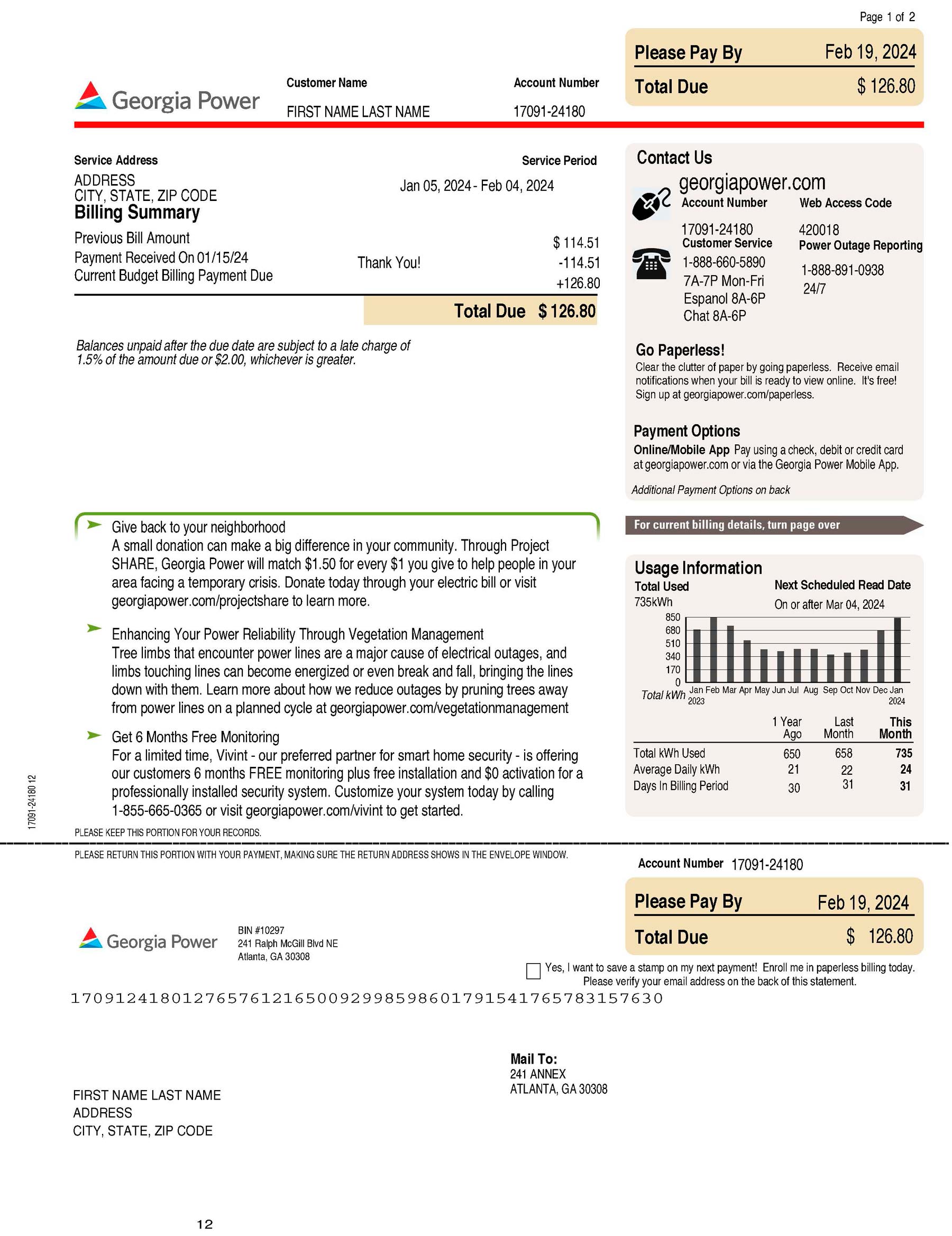
Georgia Power
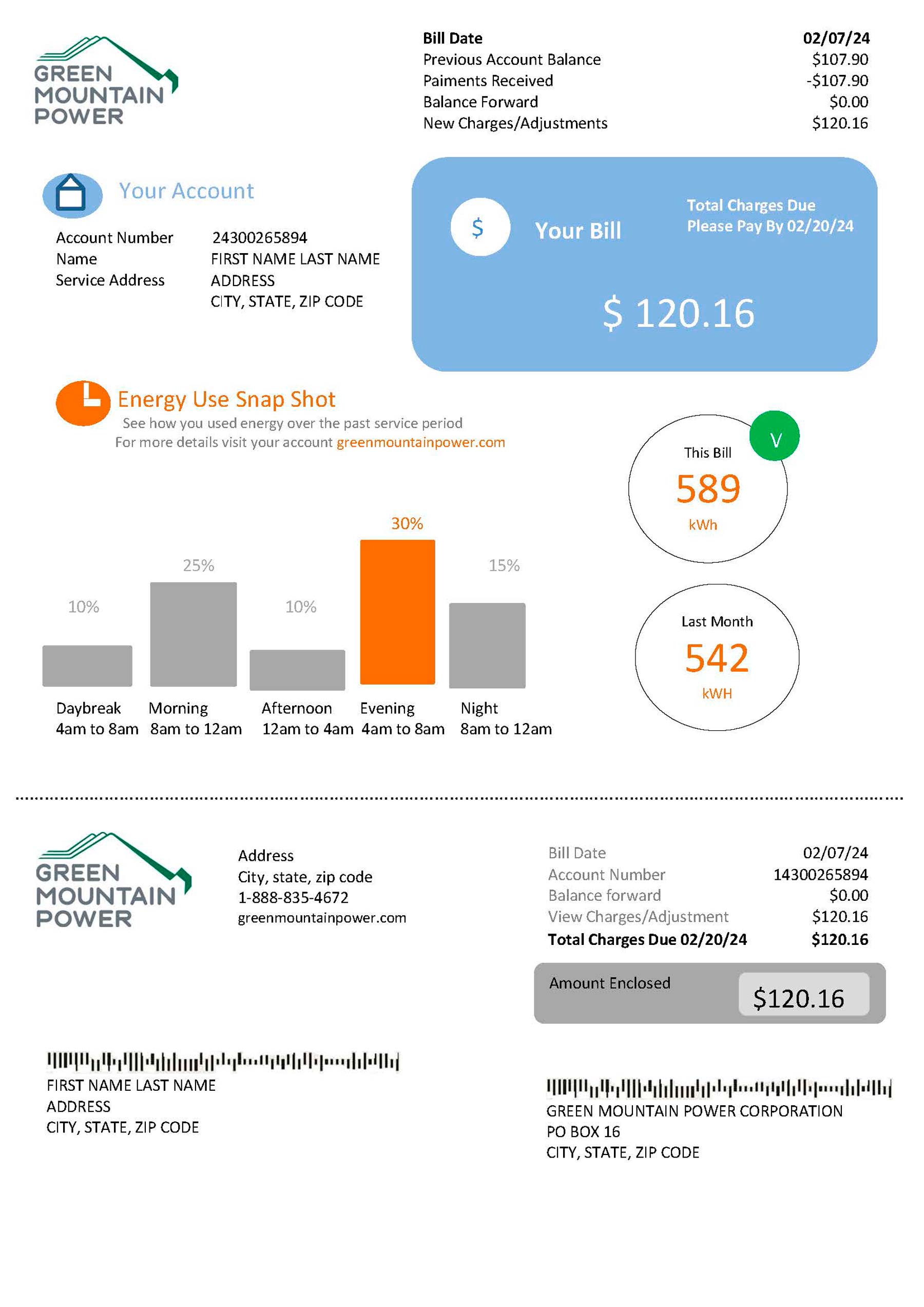
Green Mountain
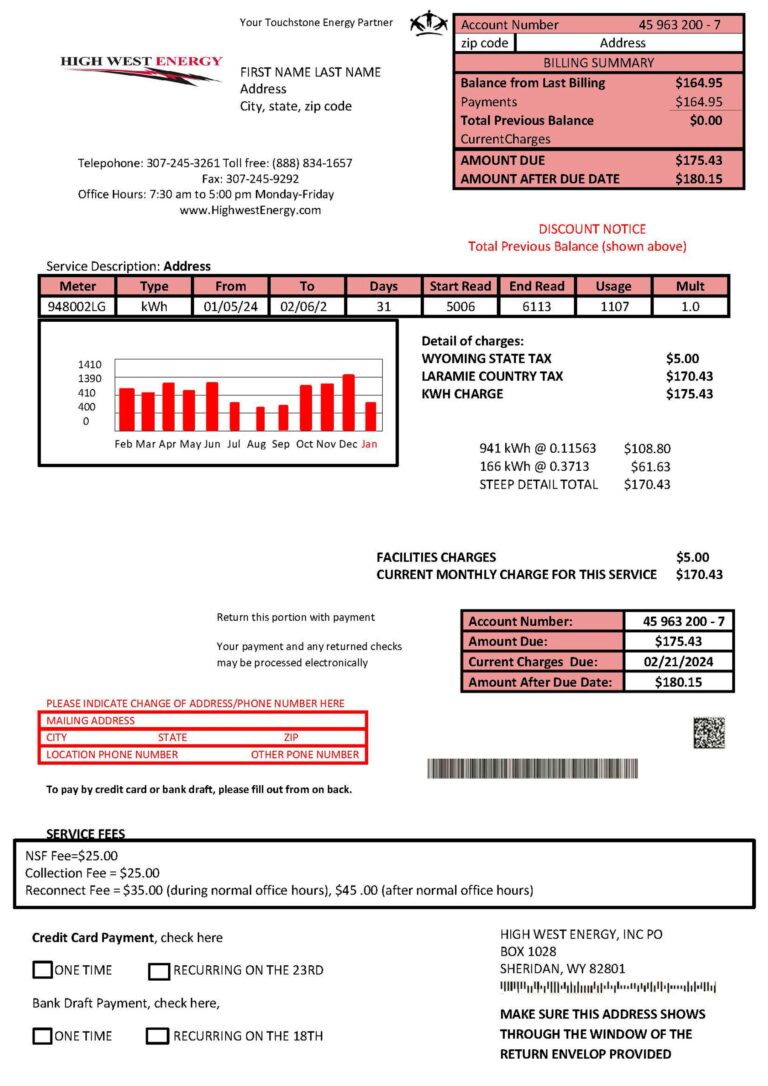
High West Energy
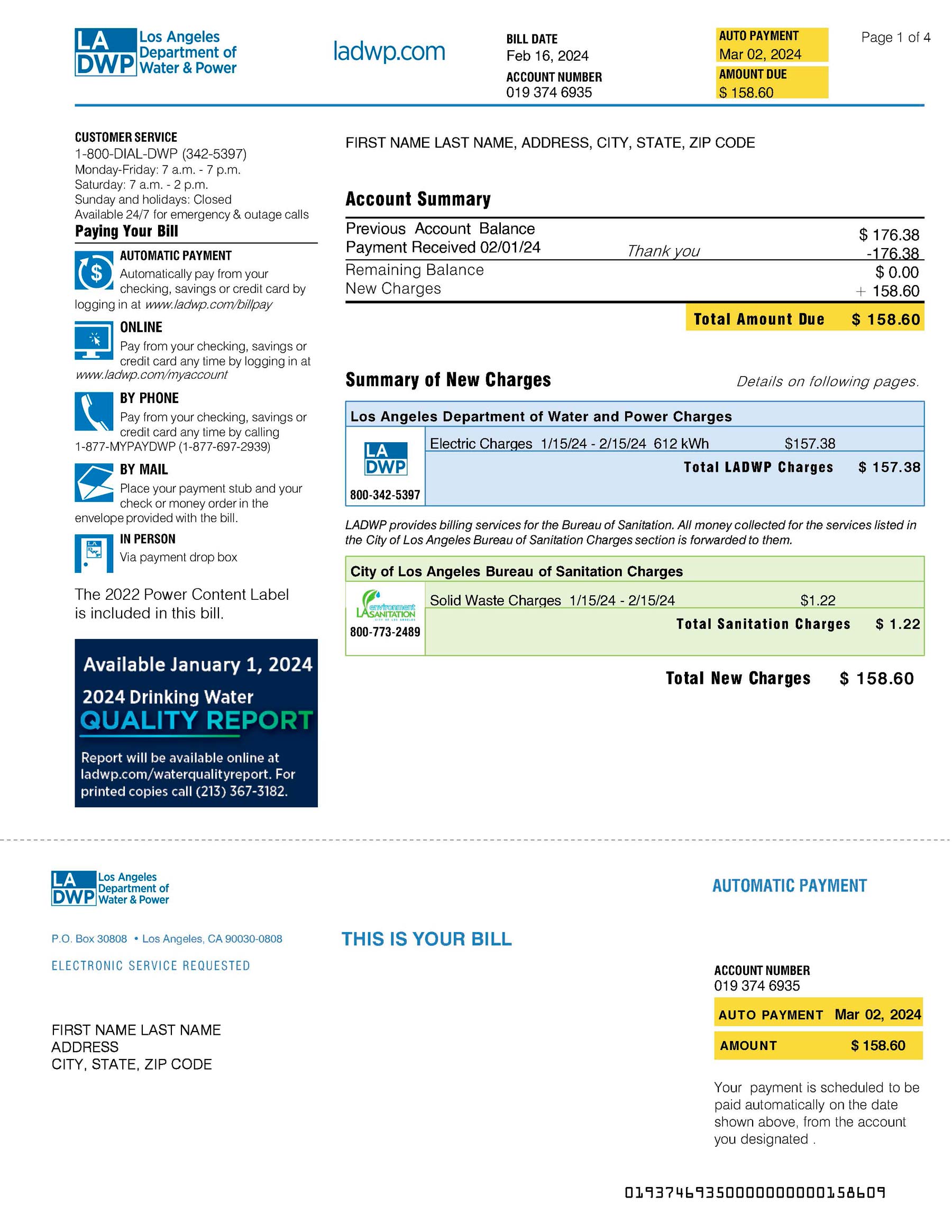
LA DWP
How to Read a Utility Bill to Fill In a Template Accurately
Real utility bills follow a predictable structure: a header with provider and account details, a summary with dates and totals, a usage section with meter readings, and a payment section. Understanding this structure before opening a template is what separates a complete document from one that gets rejected. Kilowatt-hour readings appear in multiple places on an electricity bill, each serving a different calculation purpose.
The Top Section: Supplier, Account, and Summary Information
| Bill Field | Template Field |
|---|---|
| Supplier name | Provider Name / Company Name |
| Account number | Account Number / Reference Number |
| Statement date | Bill Date / Statement Date |
| Payment deadline | Due Date / Payment Due By |
| Supply address | Service Address |
Understanding Tier Usage on Electricity Templates
Tiered billing charges different rates depending on consumption. Once usage exceeds the first tier allocation, the excess moves to the next tier at a higher rate. The table below shows a generic example of how to replicate this in an electricity bill template.
| Tier | kWh Allocated | kWh Used | Rate per kWh | Subtotal |
|---|---|---|---|---|
| Tier 1 | 600 kWh | 600 kWh | $0.093 | $55.80 |
| Tier 2 | Unlimited | 150 kWh | $0.110 | $16.50 |
| Total | 750 kWh | $72.30 |
Types of Utility Bills and Their Corresponding Templates
| Utility Type | Measurement Unit | Key Unique Fields | Best Use Case |
|---|---|---|---|
| Electricity | kWh | Tiered usage, meter readings | Residential and commercial power |
| Water | Gallons | Water budget, tier level, sewage charge | Municipal water billing |
| Natural Gas | Therms / CCF | Delivery fee, gas commodity charge | Home heating and cooking gas |
| Internet / Phone | Flat rate | Service plan, equipment rental fee | Broadband and cable billing |
Electricity Bill Template
The core of any electricity bill template is the kilowatt-hour (kWh) measurement. You’ll need previous and current meter readings, units consumed, rate per kWh with tiered breakdown, energy charges subtotal, taxes, and total balance due. The U.S. Energy Information Administration reported an average monthly electricity bill of approximately $173 by summer 2024.
Water and Sewage Bill Template
Water templates use gallons as the primary unit. Many municipal systems apply a five-tier model where each tier carries a progressively higher rate to encourage conservation. Required fields include water budget, current tier level, total consumption, water charge subtotal, and a separate sewage charge line.
Gas Bill Template
Natural gas is billed in therms, where 1 therm equals 100,000 Btu. Don’t use an electricity template structure for gas accounts. Required fields include therms or CCF consumed, gas commodity charge, utility delivery charge, taxes, and total due. Cooking gas accounts are typically billed at the start of each month for the previous month’s usage.
Combined Utility Bill Template
A combined template consolidates electricity, water, gas, and internet charges into one document. It’s most useful for landlords billing tenants for all included utilities. Each utility needs its own usage section and subtotal, with a
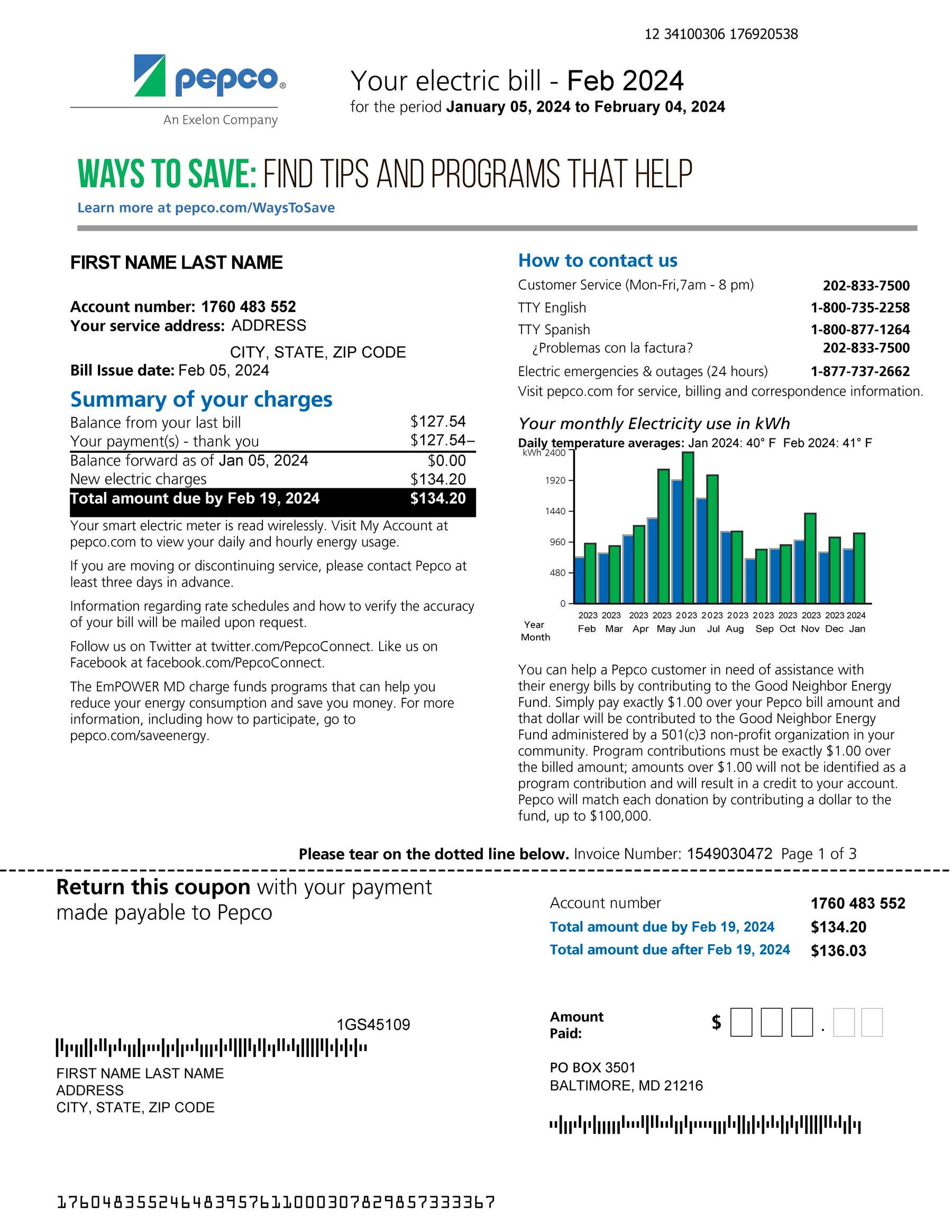
Pepco
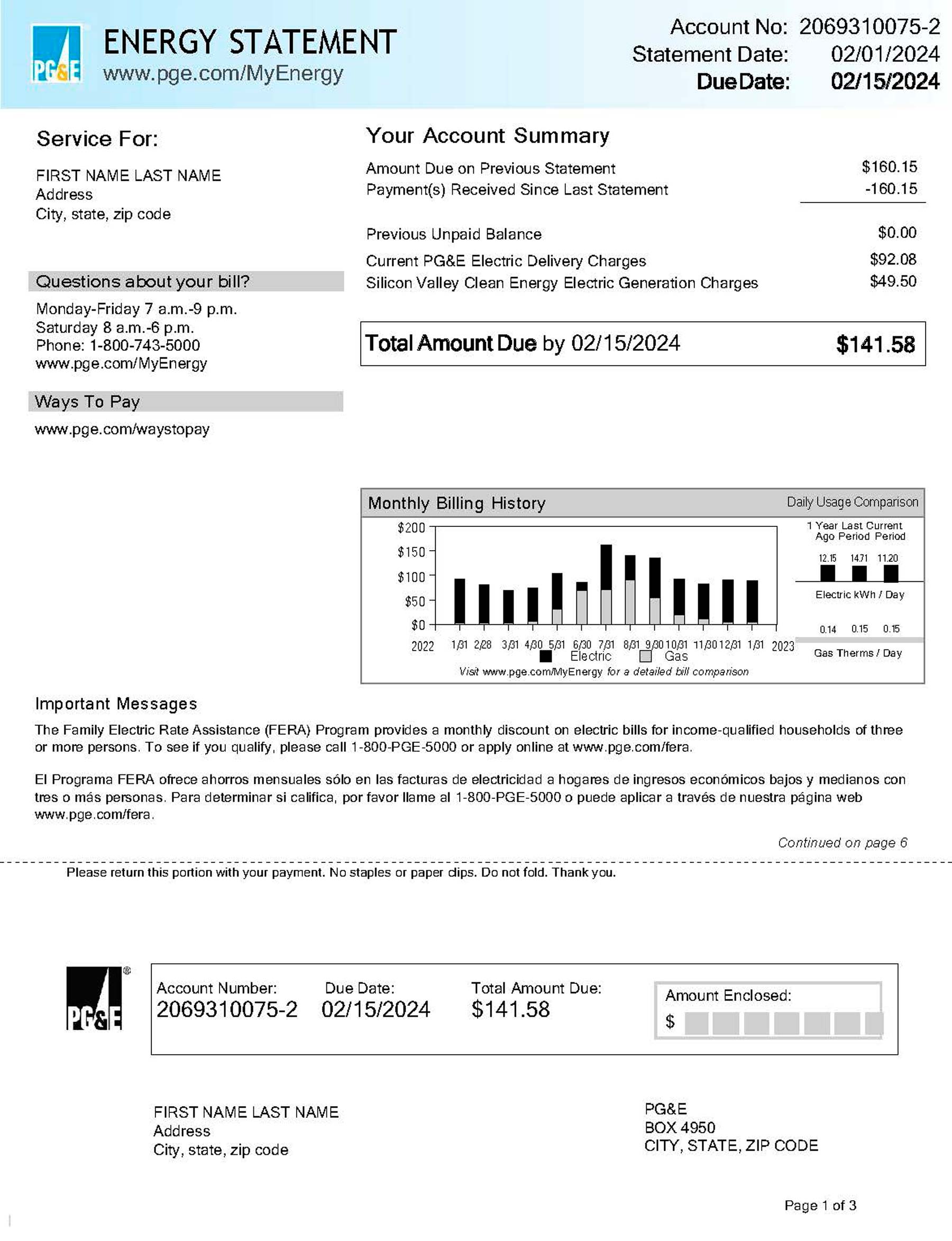
PGE
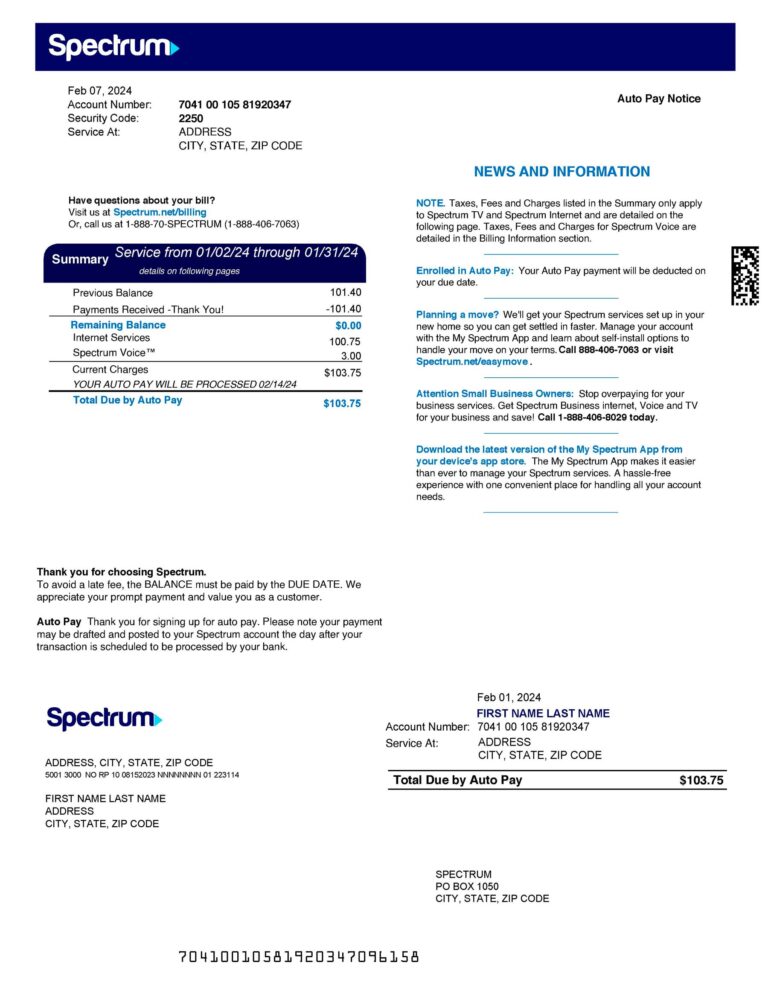
Spectrum
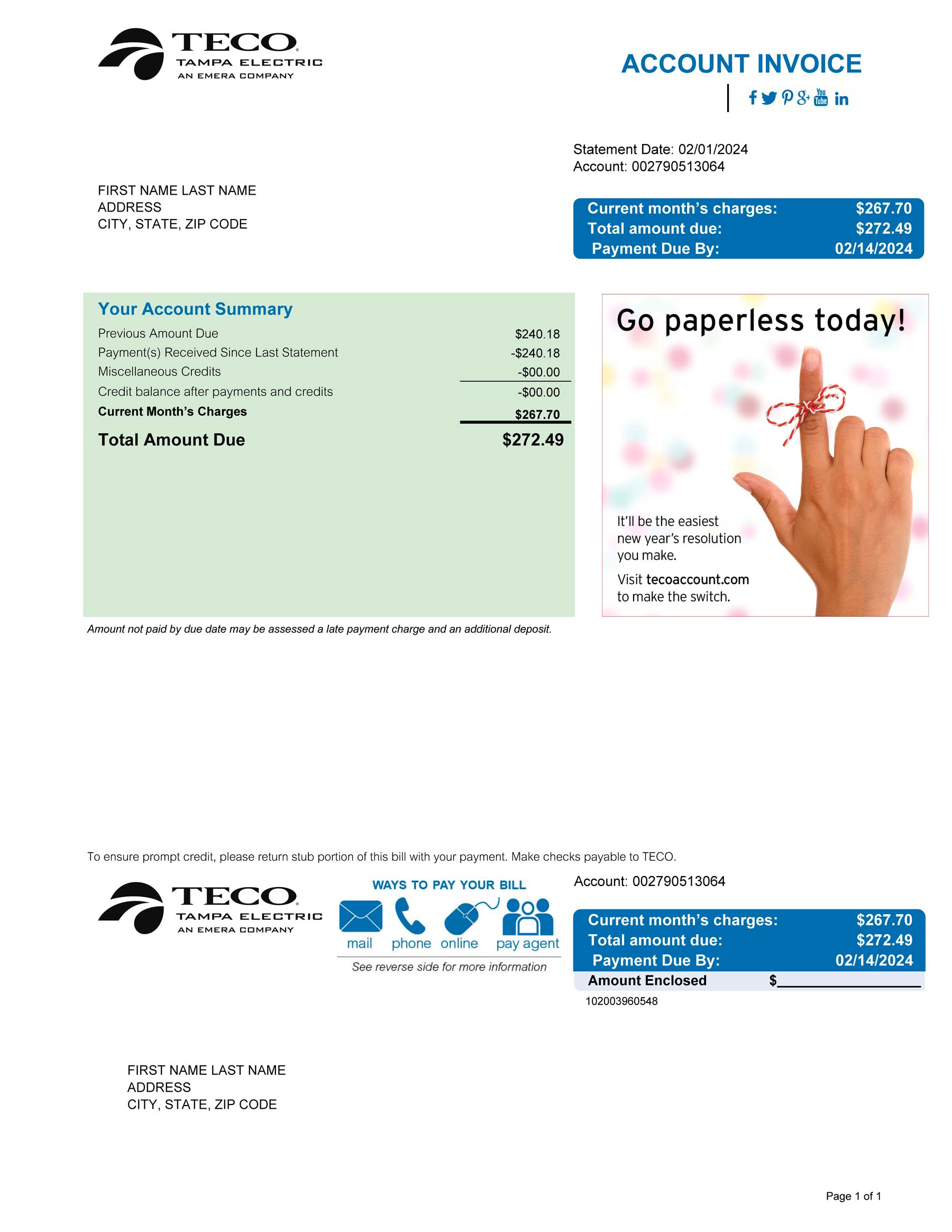
Peco
Free Editable Utility Bill Template PDF: Download Options
What does “free” actually mean across different platforms? A genuinely free template requires no credit card, no mandatory subscription, and downloads without a watermark. Many platforms advertise free templates but deliver watermarked outputs unless you upgrade.
PDF vs. Word Format: Which One to Choose?
| Criteria | PDF Format | Word Format |
|---|---|---|
| Layout consistency | Identical across all devices | May shift between Word versions |
| Editability | Requires PDF editor software | Editable natively in Word or Google Docs |
| Digital signature support | Yes, valid under the ESIGN Act | Limited, requires PDF conversion first |
| Best use case | Final documents, archiving, sharing | Drafting, frequent updates |
Word Format Tips
Before downloading a .docx file, verify it isn’t a PDF disguised with a Word filename, isn’t password-protected, and uses proper table structure rather than text formatted to look like a table. Once editing is done, export to PDF for a clean final output.
Printable Blank Templates
A printable blank utility bill template is a static PDF designed to be printed and completed by hand. It’s practical when computer access is limited or a physical form must be submitted in person. Look for clearly labeled fields with adequate writing space.
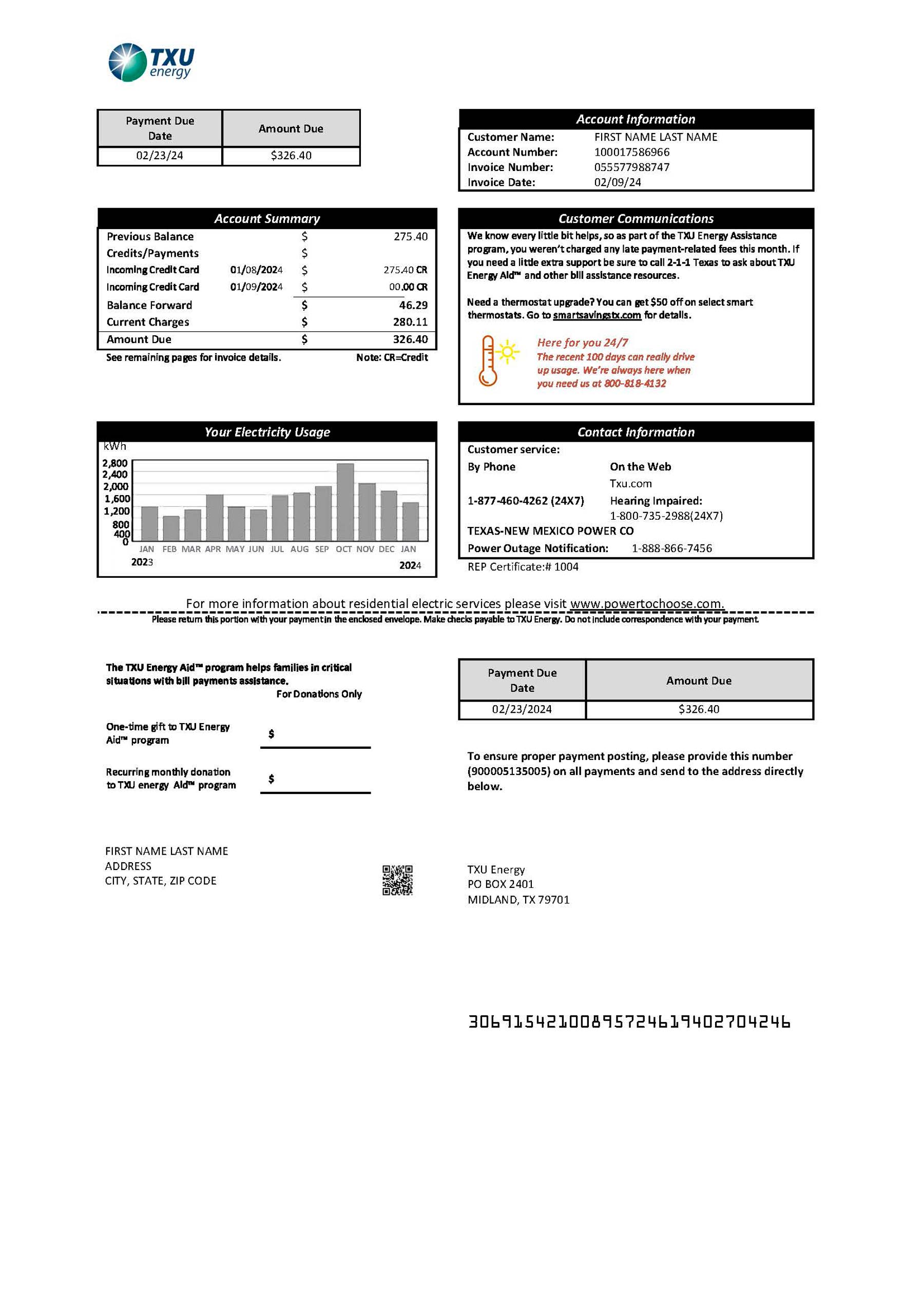
TXU Energy
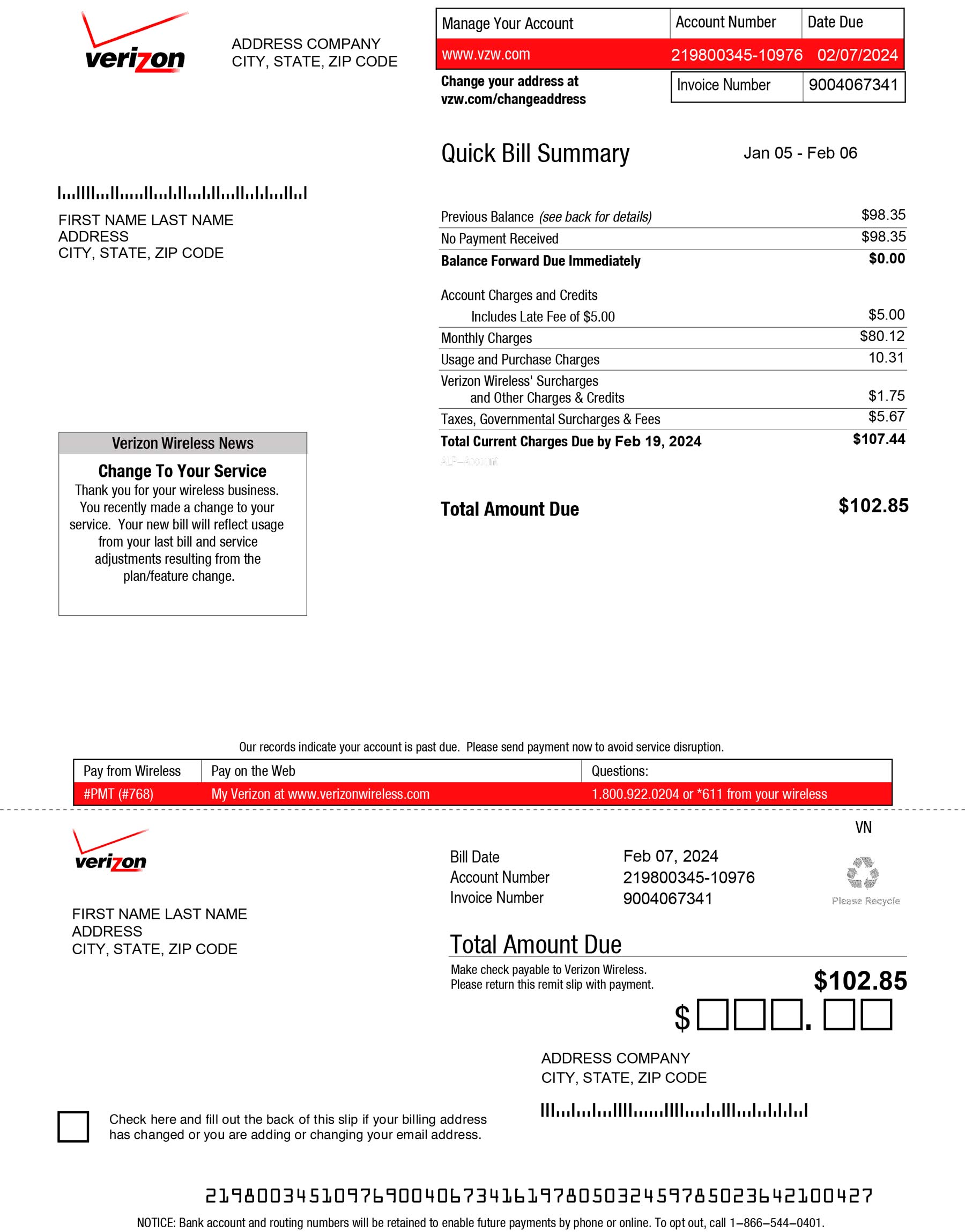
Verizon
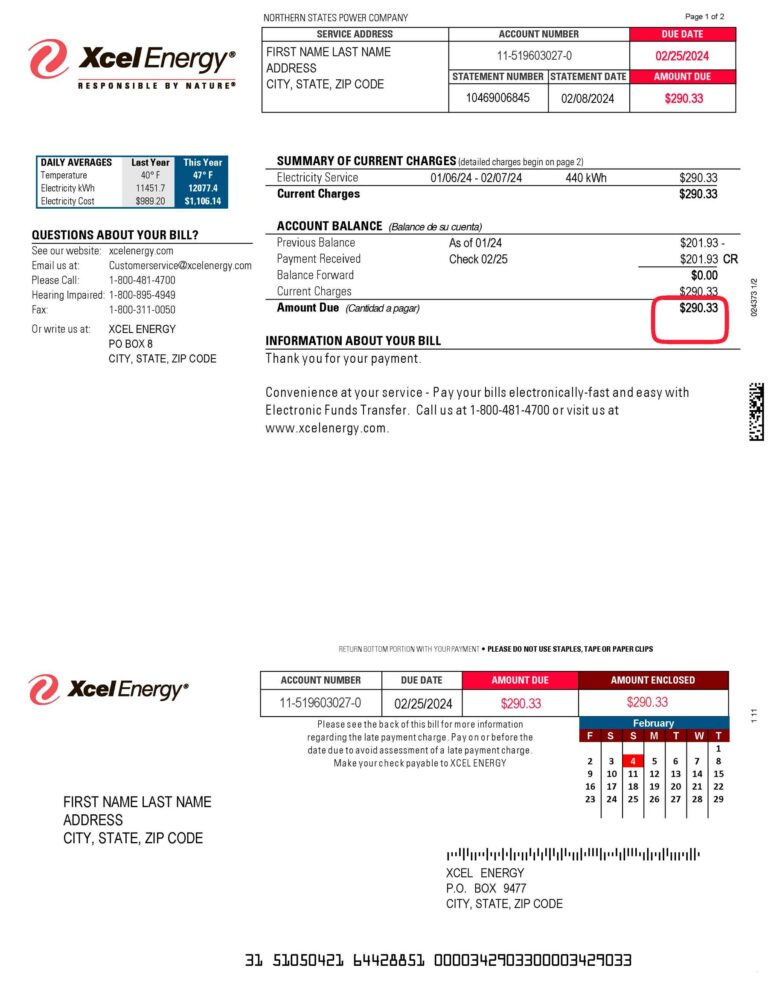
Xcel Energy
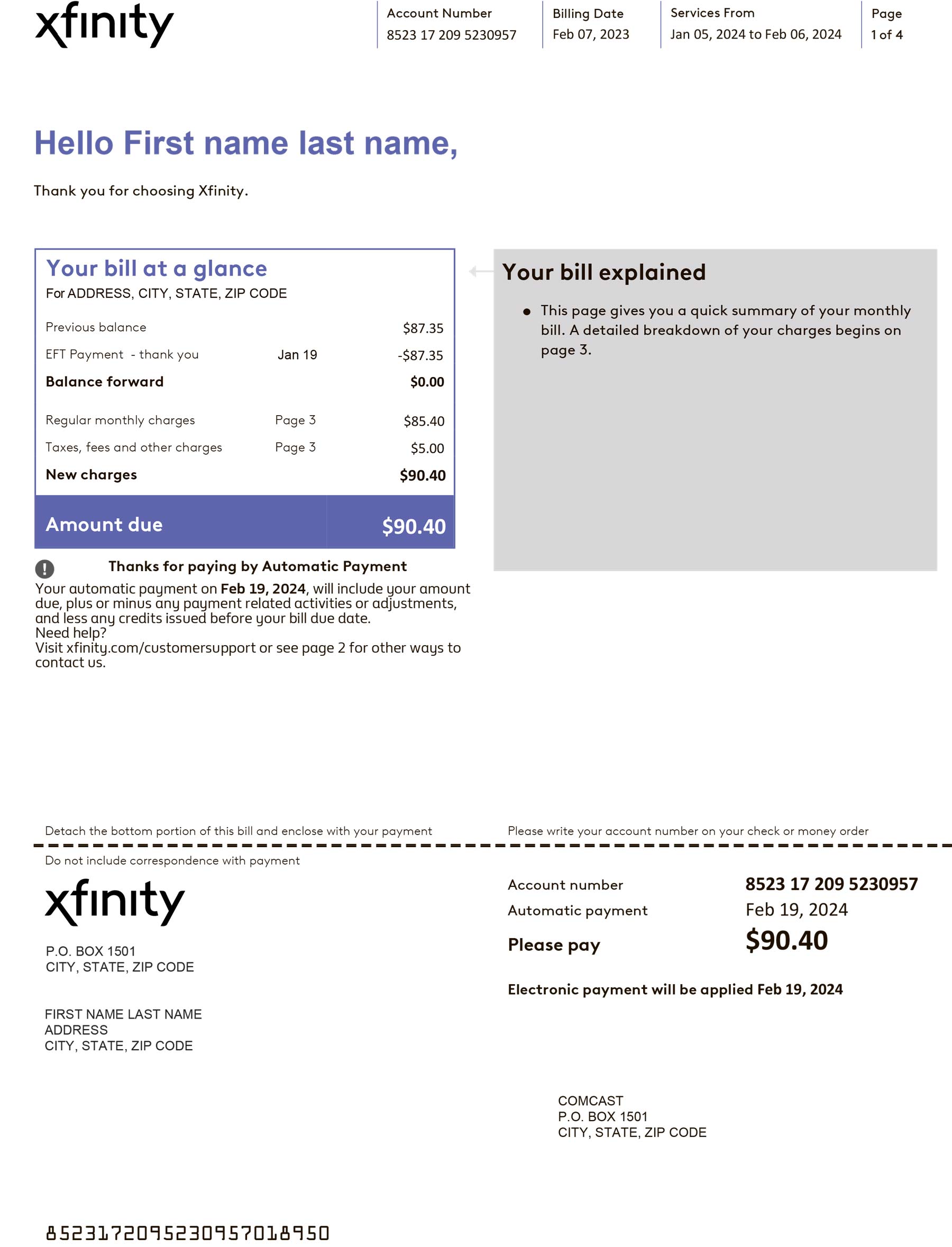
Xfinity
How to Edit a Utility Bill Template Step by Step
Editing a PDF Using Free Tools
Free PDF editors including Smallpdf, ILovePDF, PDF24, and DocHub all support basic text editing. DocHub also supports digital signatures without watermarking on standard exports. Watch out: some free-tier editors add a visible watermark to exported files, so always check the preview first.
- Download the template from a verified source such as TemplateArchive
- Open in your PDF editor and click each text field to activate it
- Replace all placeholder text: provider name, account number, billing address, service address, billing period, meter readings, charges, and due date
- Insert a logo using the image insertion tool if required
- Export and save as a new PDF with a clear filename including the billing period
Customizing a Word Template
- Open the .docx file in Microsoft Word or upload to Google Docs
- Replace the company name and address in the header; right-click any logo placeholder to swap in your own image
- Edit all text fields and adjust the billing table by inserting or deleting rows as needed
- Check font consistency throughout: mixing Arial in the header with Times New Roman in the body is a common giveaway of a poorly edited template
- Export to PDF via File, Save As, PDF for the final output
Tips for a Professional Result
- Use Arial or Calibri at 10 to 11pt for body text; apply consistent date formatting throughout
- Left-align address blocks and right-align monetary figures
- Add a logo or branded placeholder to improve visual structure
Where to Find Reliable Downloadable Utility Bill Templates
Not all free sources deliver the same quality. Here are the platforms that meet the baseline standard of editable, watermark-free downloads.
- Jotform: 80+ free invoice PDF templates with a drag-and-drop Form Designer and support for over 40 payment gateways including PayPal and Stripe
- Template.net: editable bill templates in Excel, Google Sheets, and Word formats with browser-based editing
- TemplateArchive: 40 editable utility bill templates as free PDF downloads, no account required; also a solid reference when working through the editing steps above
- DocHub: fillable utility bill templates that can be completed and signed online without installing software
- PDFfiller: blank fillable utility bill template for printing and downloading; full editing features require a subscription
What to Watch Out for When Downloading
- Watermarked exports on free-tier PDF editors
- Locked PDFs marketed as “editable” that have no actual form fields
- Suspicious download buttons on unofficial sites that may embed malware
Practical Use Cases for Utility Bill Templates
Using a Template as Proof of Address
Utility bills for electricity, gas, water, and fixed-line telephone are widely accepted as proof of address. That said, a template you’ve filled in yourself isn’t a valid proof of address document. Institutions require documents issued by a recognized provider with verifiable account numbers and realistic charges. The legitimate use here is organizational: understanding which fields a real bill must contain before you submit an application.
Landlord and Property Management
Landlords use combined utility bill templates to generate consistent billing for tenants when utilities are included in the rental agreement. Standardized templates reduce disputes and simplify record-keeping across multiple properties. They also support tax preparation by giving accountants a clear expense trail for deductible utility costs.
Small Business and Administrative Record-Keeping
Small businesses apply templates consistently across billing periods to produce a clean, auditable expense archive. For businesses with multiple locations, this keeps utility costs recorded in the same format across all sites, which makes budget tracking more reliable. Templates also appear in accounting courses where students practice reading and completing billing documents.
Legal Considerations When Using a Utility Bill Template
- Data authenticity: submitting a template as a genuine provider-issued bill constitutes fraud and can result in criminal penalties and account closures
- Consumer protection: templates used for tenant billing should comply with local standards, including accurate charge breakdowns and clear payment terms
- Digital signatures: the ESIGN Act, signed June 30, 2000, grants electronic signatures the same legal validity as handwritten signatures; however, utility shut-off notices are explicitly exempt and must follow paper-based processes
Getting the Most from a Free Editable Utility Bill Template
A free editable utility bill template PDF is a practical starting point for organizing, replicating, or understanding utility billing documentation. Use it as a formatting tool, not a substitute for an official provider-issued document. Include every required field: provider details, billing address, billing period dates, usage data in the correct unit (kWh, therms, or gallons), itemized charges, and payment instructions. Download a free template from TemplateArchive, Jotform, or Template.net to get started.
Frequently Asked Questions
Yes, it’s legal for tenant billing, business expense records, and personal administration. It becomes illegal when you submit a template as a genuine provider-issued document to a bank, government agency, or any institution relying on document authenticity. That constitutes fraud under consumer protection laws.
Yes. Tools like Smallpdf, PDF24, and DocHub support basic PDF editing without a paid subscription. The main catch is that some free-tier editors add a watermark to exported files. Always preview the export before finalizing. DocHub is a reliable option that supports fillable forms and digital signatures without watermarking on standard exports.
PDF is better for final documents you’ll share or archive, since the layout stays consistent across devices. Word suits drafting and frequent updates. The most practical workflow is to edit in Word first, then export to PDF. Either format is legally valid for legitimate purposes under the ESIGN Act.
A hand-filled printed template isn’t accepted as official proof of address because it isn’t issued by a recognized utility provider. For internal records, tenant billing, or personal expense tracking, it’s entirely adequate. For submissions to banks or government agencies, you’ll need a document issued directly by a licensed utility provider.
Templates from established platforms like Utilitytemplates.com, TemplateArchive, Template.net, Jotform, and DocHub are generally safe. Risks come from unofficial sites that may embed malware in download links. Verify the platform uses HTTPS, avoid redirected download buttons, and scan any downloaded file with antivirus software before opening.